Translation Suggestions
Configure optional WordPress AI Client suggestions with explicit human review.
Translation Suggestions are optional. They are disabled by default and do not affect manual translation, deterministic workflows, or normal site traffic.
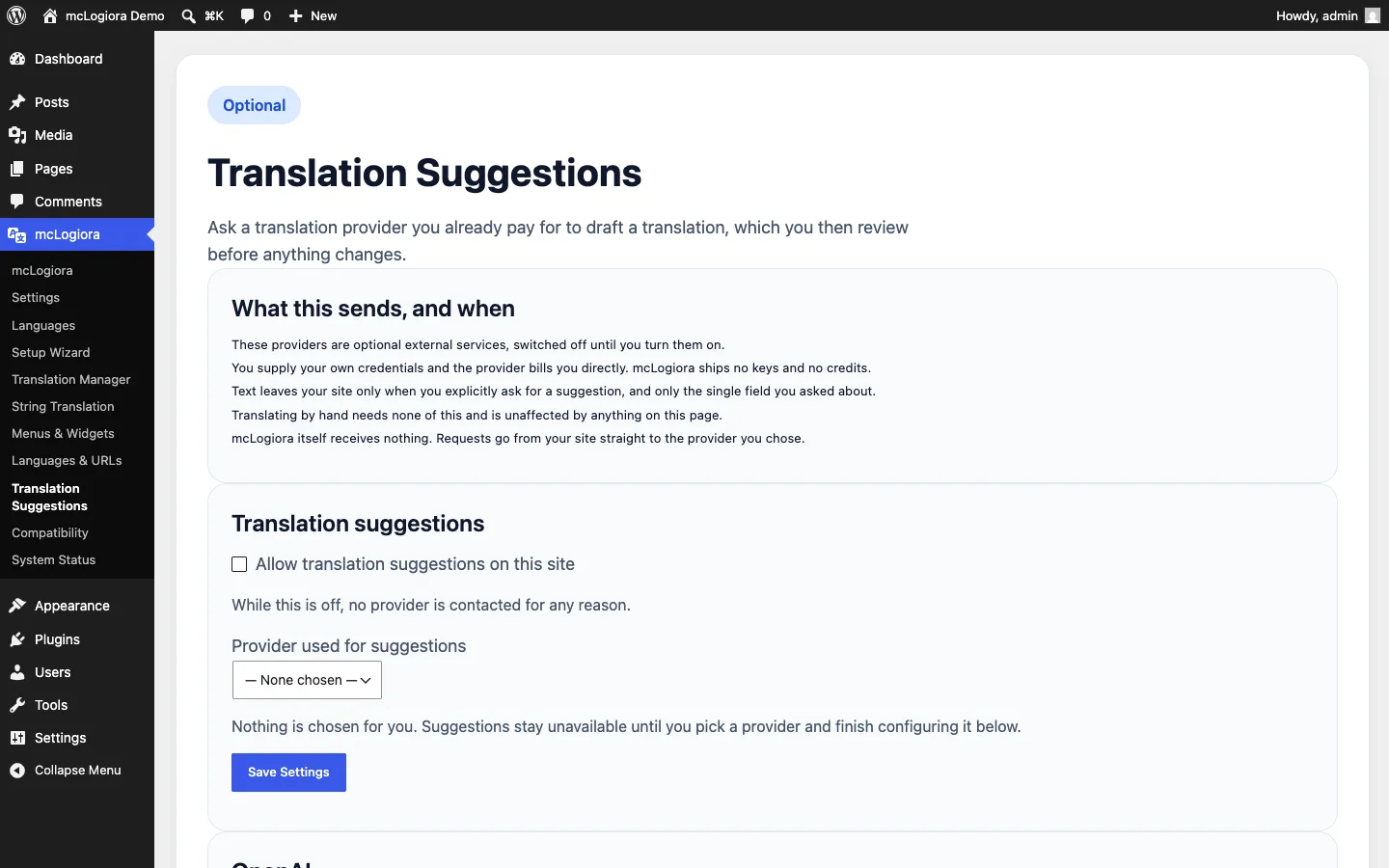
Enablement sequence
- Open mcLogiora → Translation Suggestions.
- Enable suggestions for the site.
- Choose WordPress AI Client or the separately configured DeepL integration where supported.
- For WordPress AI Client, configure a compatible provider and connection in WordPress Settings → Connectors. mcLogiora does not own the provider credential.
- For DeepL, save the DeepL API key in mcLogiora settings or use the documented
MCLOGIORA_DEEPL_API_KEYconstant. - Test the connection. This sends no content.
- Generate a suggestion for one supported field at a time.
Apply behavior
Generate returns a preview. Apply suggestion writes only the requested field. Regenerate makes another explicit request. Discard writes nothing. No suggestion is applied on save or publish, and no suggestion can publish a post.
Provider boundary
WordPress AI Client delegates provider discovery, connectivity, credentials, model selection, and response handling to WordPress Core and its supported Connectors/provider infrastructure. mcLogiora no longer owns direct OpenAI, Anthropic, or Google Gemini endpoints, model catalogues, or credentials.
DeepL remains a separate dedicated translation service where supported. It is not routed through WordPress AI Client and has no model selector.
Manual translation is fully supported without AI, WordPress Connectors, DeepL, or any external request.